How PromGee Works — Unlimited Quizzes in 3 Steps
Pick a category, answer fresh AI quizzes as often as you like, and read an explanation for every answer. No daily caps.
The 3 steps
- 1
Choose a category
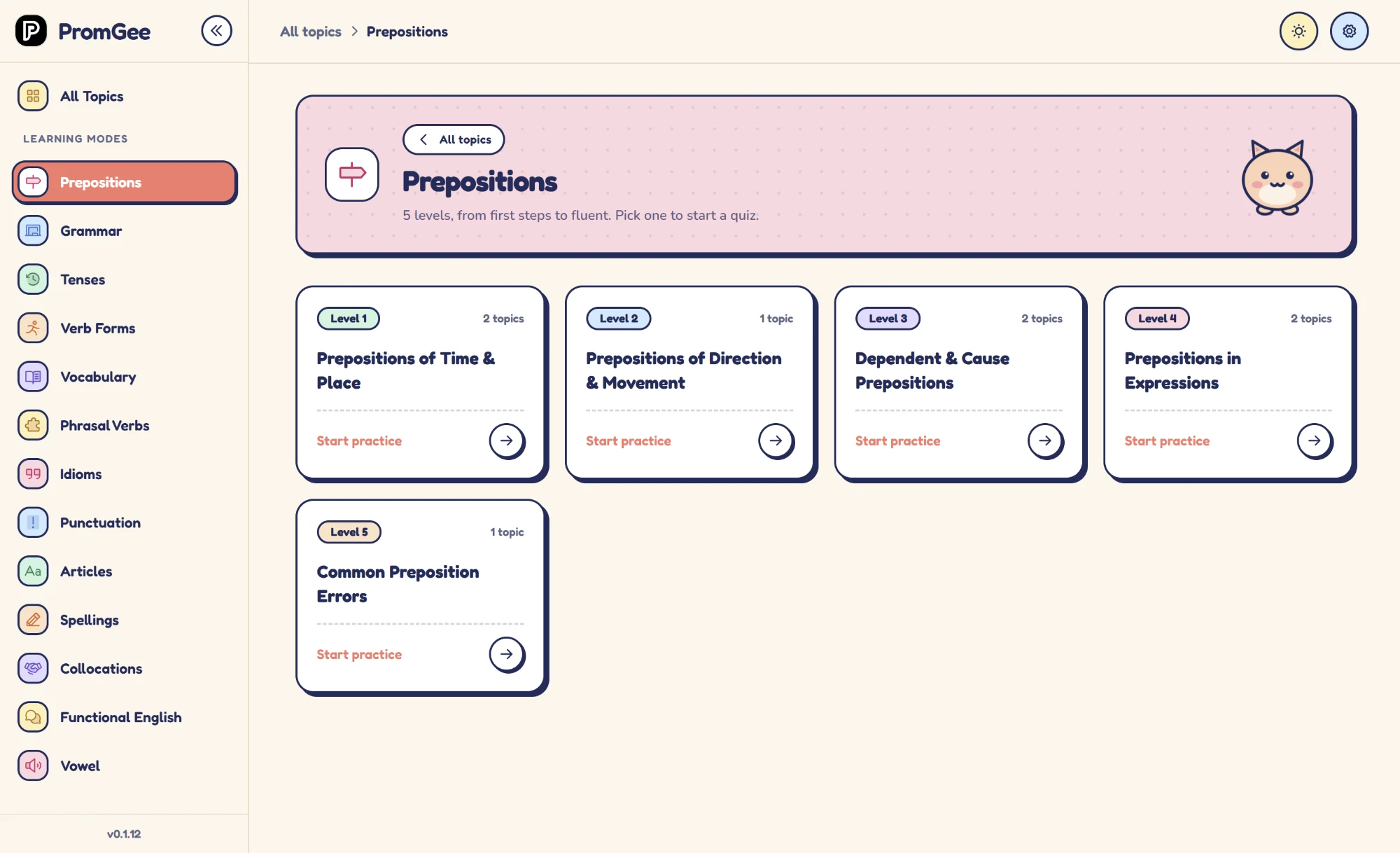
Open PromGee and pick the skill you want to improve, such as prepositions, verb tenses, articles, or punctuation. Each category has its own dedicated quiz sets, so your practice always targets one clear goal.
- 2
Take unlimited quizzes
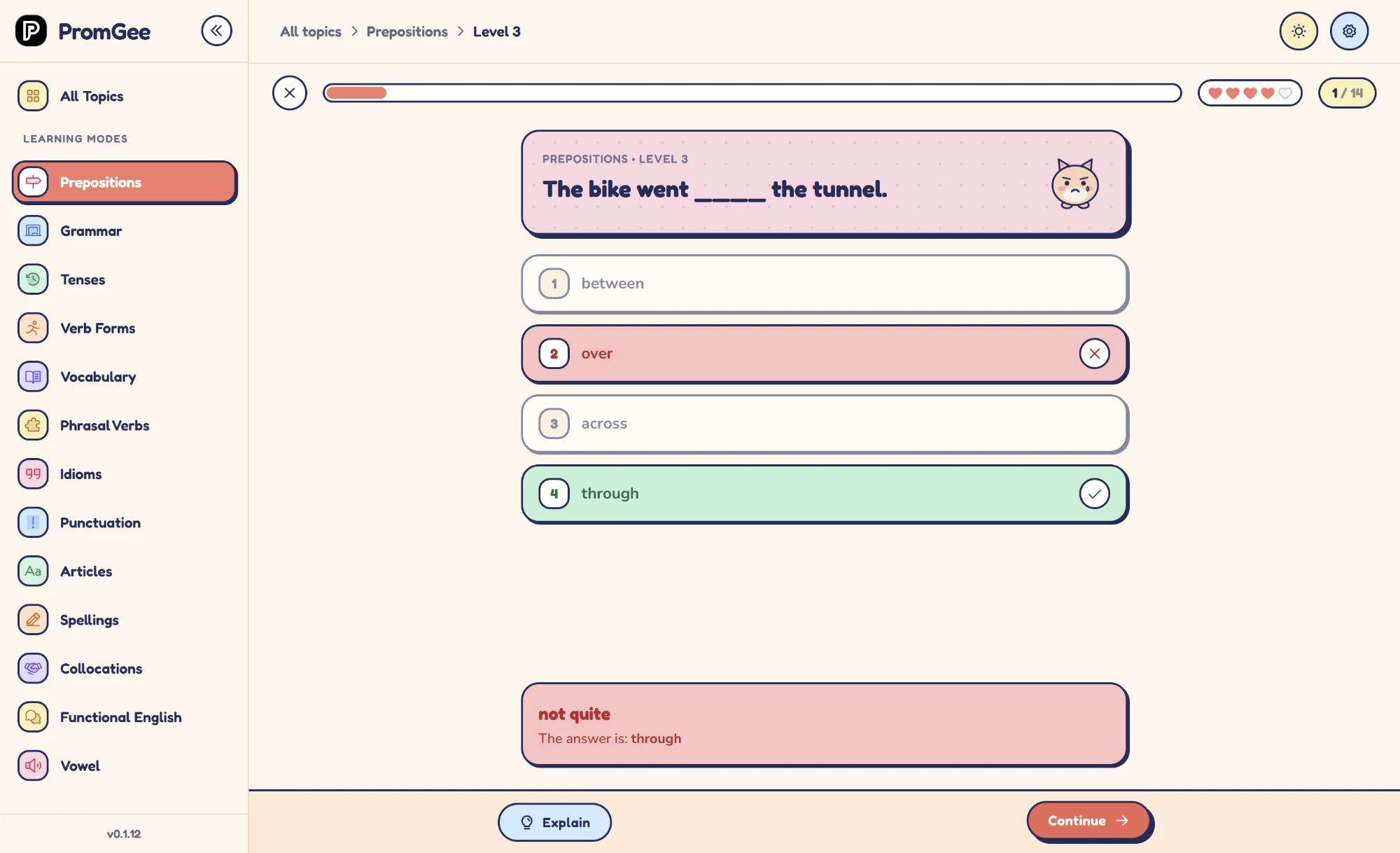
Work through short quizzes built around that single category. Questions stay tight and relevant, and the AI generates fresh variations, so you see the same rule from many angles without memorizing answers.
- 3
Review AI explanations
After each answer, PromGee explains why it was right or wrong in your own language. Use the explanation to check the rule and revise your written examples.
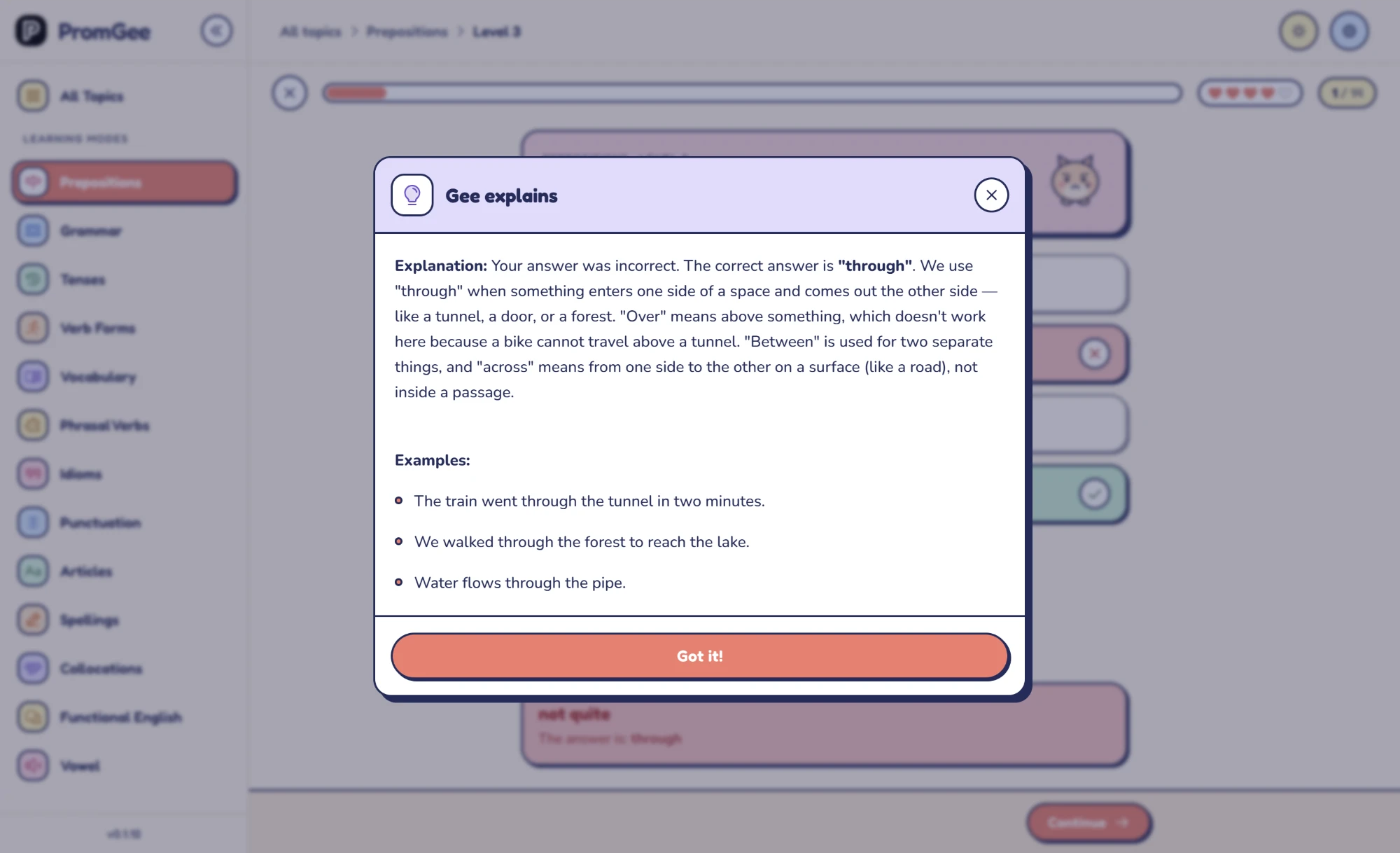
Discover how PromGee works in three simple steps. Select one of 13 categories, take as many AI-generated quizzes as you want, and review instant AI explanations in your preferred language.
Choose a topic and a level within that topic. Each category has its own progression, so you can focus on the grammar or vocabulary you want to practice.
PromGee is a Windows 10/11 app with unlimited AI English quizzes across 13 categories and explanations in 40+ languages.
Learning progress, statistics and settings are stored on your device. This local storage is separate from the data processed for AI requests, license activation and purchases.
Why the loop works
Each step supports the others. Choosing a category keeps your attention narrow, focused quizzes give you repeated exposure to one pattern, and AI explanations make sure you leave with understanding rather than a score. Ten focused minutes a day is an easy habit to keep.
Ready to try it?
Download PromGee for Windows and pick your first category today.
- $25 one-time payment
- Lifetime Access